
How to prepare files for professional printing (resolution, bleed, color format)
A print-ready file is built at the final size with 300 DPI images, 0.125 inch (3 mm) bleed on every side, CMYK colors, fonts embedded or outlined, and exported as a high-resolution PDF.
Most printing delays do not come from the press. They come from files that need to be fixed first: low-resolution images, missing bleed, fonts that change, or colors that look different on paper than on screen. A few minutes of preparation can save you days.
Here is the checklist we use at our Dania Beach print shop when we review a customer’s artwork, so you can get it right before you send it.
1. Start at the final size
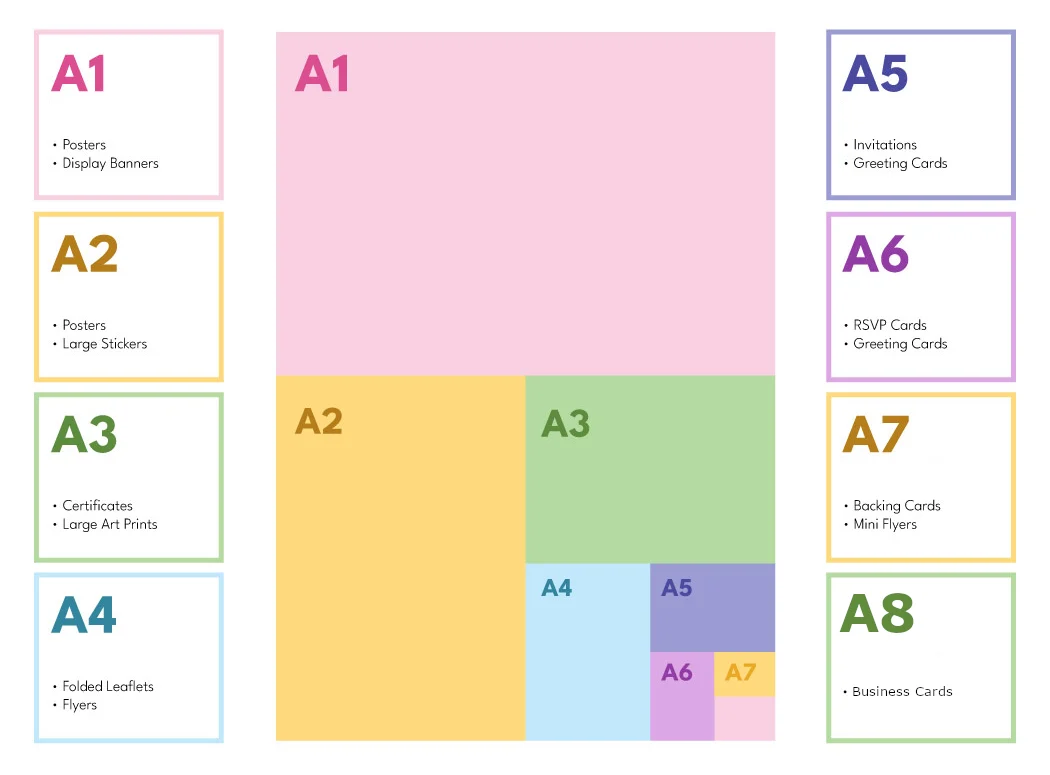
Create your document at the exact size you want to print, not larger or smaller. Scaling a design later is the most common reason images look soft or text looks cramped. If you are not sure which size you need, ask us before you start designing.
2. Use 300 DPI images
Resolution is how much detail an image has for its printed size. For a sharp result, photos and logos should be 300 DPI (dots per inch) at the final size. Images copied from websites are usually 72 DPI, which looks fine on a screen but blurry or pixelated on paper.
Large pieces such as banners are viewed from far away, so they can use a lower resolution at full size. Tell us what you are printing and we will confirm the right target.
- Never enlarge a small image to make it fit.
- Use vector logos (AI, EPS or PDF) whenever you have them.
- Check photos at 100% zoom: if they look soft there, they will print soft.
3. Add 0.125 inch bleed
Bleed is extra artwork that extends 0.125 inches (about 3 mm) past the trim line on every side. After printing, sheets are cut, and the cut can move slightly. Bleed makes sure no thin white edge shows up if that happens.
Keep important text and logos at least 0.125 inches inside the trim line as well. This is called the safe area, and it prevents text from being cut off.
4. Work in CMYK
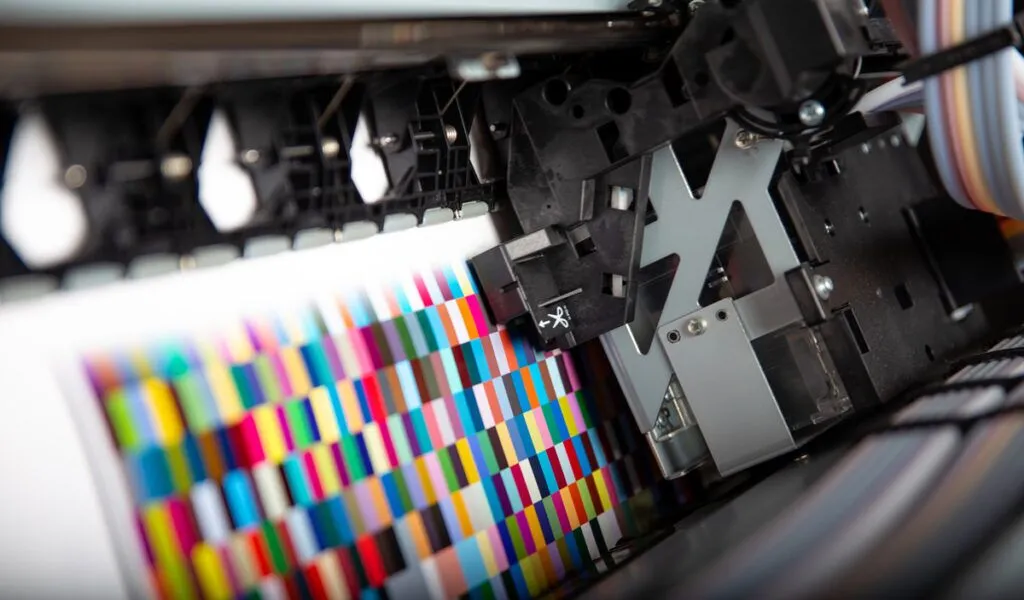
Printers mix cyan, magenta, yellow and black ink (CMYK). Screens use red, green and blue light (RGB). Some bright RGB colors, especially neon greens and electric blues, cannot be reproduced exactly with ink. Setting your document to CMYK from the start shows you a more realistic preview.
If you need a specific brand color to match across materials, send us the color reference so we can match it as closely as possible.
5. Fonts, black and file format
Embed your fonts or convert text to outlines so nothing changes when we open your file. For large areas of black, ask us whether a rich black is recommended for your job. Finally, export a high-resolution PDF that includes bleed. We also accept AI, EPS, PSD and TIFF files.

Final size, 300 DPI, 0.125 inch bleed, CMYK and a high-resolution PDF: get these five things right and your order is ready for production.
Discount Printing Team
Frequently asked questions
What DPI do I need for printing?
300 DPI at the final printed size is the standard for sharp photos and logos. Very large prints such as banners can use less because they are viewed from a distance.
What is bleed in printing?
Bleed is artwork that extends 0.125 inches (about 3 mm) beyond the trim line so no white edges appear after cutting.
Should I send RGB or CMYK files?
CMYK is recommended because it matches how ink prints. RGB colors can look different on paper, especially bright and neon tones.
Can you fix my file for me?
Yes. If your artwork is not print-ready, our team can adjust it or design it for you. Contact us with your file and we will review it.
Need printing for your project?
Tell us what you need and we will prepare a no-obligation quote. Call (954) 709-8309, email sales@discountprintinggroup.com or send us a message. You can also visit our shop at 1249 Stirling Rd Store #10, Dania Beach, FL 33004.


Ready to start your order?
Get a no-obligation quote from our print shop in Dania Beach.